memory-agent
memory-agent



The library allows managing both persistence and memory for a LangGraph agent.
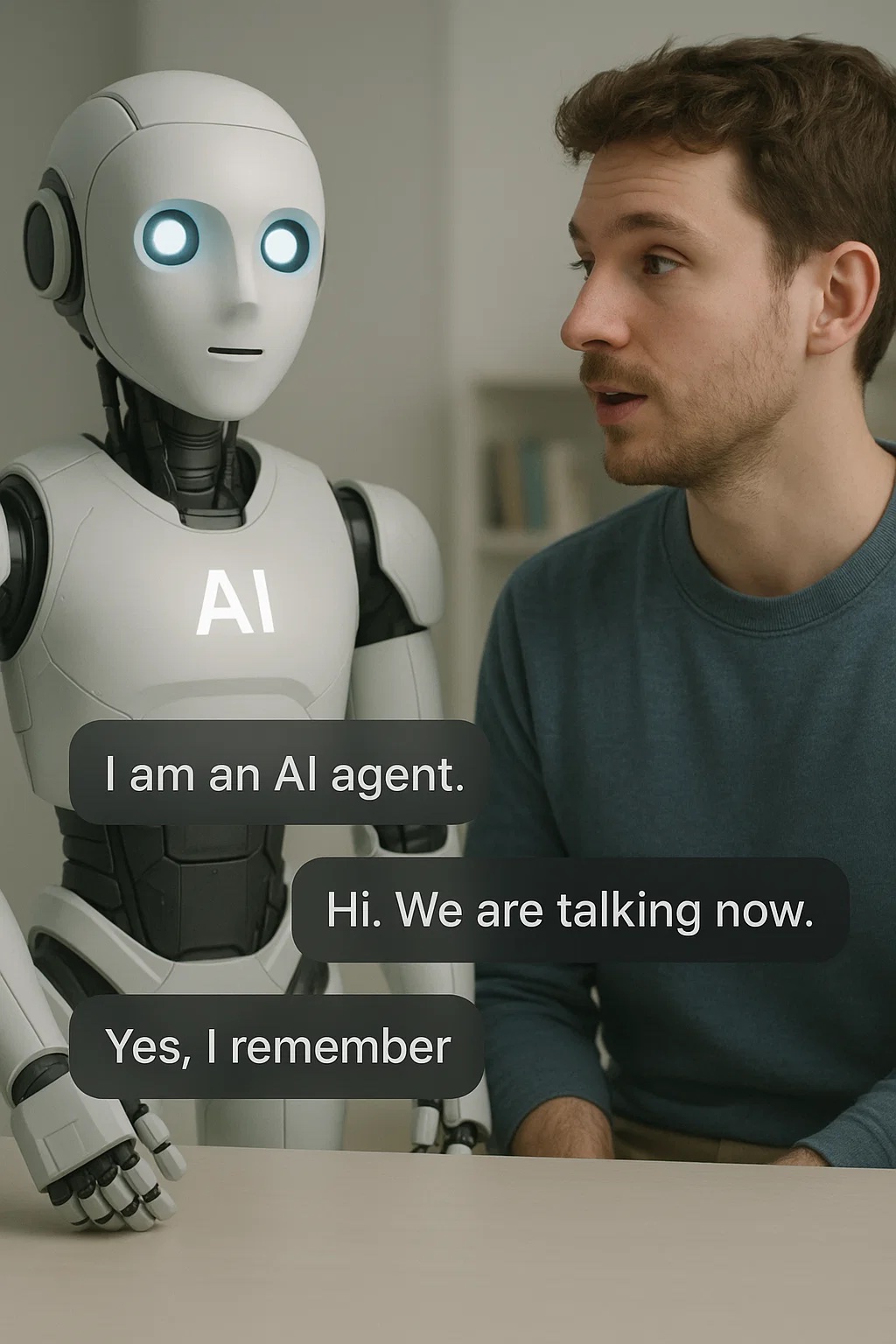
memory-agent uses Redis as the backend for short‑term memory and long‑term persistence and semantic search.
🔑 Key Features
- Dual-layer memory system
- Short-term memory with Redis → fast, volatile storage with TTL for active sessions.
- Long-term persistence with Qdrant → semantic search, embeddings, and cross‑session retrieval.
- Integration with LangGraph → stateful LLM agents with checkpoints and memory tools.
- Multi-LLM
- OpenAI (via
AgentOpenAI) - Ollama (via
AgentOllama) for local inference
- OpenAI (via
- Flexible embeddings
- OpenAI embeddings (default)
- Ollama embeddings (e.g.,
nomic-embed-text)
- Automatic memory management
- Summarization and reflection to compress context
- Observability
- Structured logging, compatible with Grafana/Loki
- Easy installation & deployment
pip install- Docker‑ready
GraphRag Agent
memory-agent combines symbolic knowledge stored in Neo4j with vector semantic search in Qdrant
🧠 Memory vs 🗃️ Persistence
| Function | Database | Why |
|---|---|---|
| Memory | Redis | Performance, TTL, fast session context |
| Persistence | Redis | Vector search, long‑term storage |
📦 Installation
pip install memory-agent
For local use with Ollama or local embeddings:
- Install Ollama: https://ollama.ai
▶️ Usage examples
The examples show how to configure the agent, send messages (including streaming) and share memory between different agents.
1) demo.py — Quick start with Ollama + memory
What it does:
- Saves to context:
"My name is Giuseppe. Remember that." - Asks a factoid:
"What is the capital of France?"(streaming) - Retrieves from short‑term memory:
"What is my name?"(streaming)
Essential snippet (simplified):
from memory_agent.agent.ollama import AgentOllama
from demo_config import thread_id, user_id, session_id, model_ollama, redis_config,     model_embedding_vs_config, model_embedding_config, qdrant_config, collection_config

agent = AgentOllama(
    thread_id=thread_id,
    user_id=user_id,
    session_id=session_id,
    model_config=model_ollama,
    redis_config=redis_config,
    qdrant_config=qdrant_config,
    collection_config=collection_config,
    embedding_store_config=model_embedding_vs_config,
    embedding_model_config=model_embedding_config,
)

# Non-streaming call
text = await agent.invoke("My name is Giuseppe. Remember that.")

# Streaming call
async for token in agent.invoke_stream("What is the capital of France?"):
    print(token, end="")

# Retrieve from context
async for token in agent.invoke_stream("What is my name?"):
    print(token, end="")
Run:
python demo.py
What to expect:
- On the first request the agent stores the information (“Giuseppe”).
- On the third request the agent should answer with the previously provided name.
2) demo_config.py — Centralized configuration
This file defines all parameters used by the examples:
- Session identifiers:
thread_id = "thread_demo" user_id = "user_demo" session_id = "session_demo" - LLM model (Ollama):
model_ollama = { "model": "llama3.1", "model_provider": "ollama", "api_key": None, "base_url": "http://localhost:11434", "temperature": 0.5, } - Qdrant:
qdrant_config = { "url": "http://localhost:6333", } - Embeddings (via Ollama):
model_embedding_config = { "name": "nomic-embed-text", "url": "http://localhost:11434" } - Vector Store / Collection (example): COSINE distance with
qdrant_client.http.models.Distance.COSINE. - Redis: connection/TTL parameters for short‑term memory.
Modify these values to point to your Redis/Qdrant/Ollama instances. Other examples import directly from
demo_config.py.
3) demo_mem_shared.py — Shared memory between two agents (LangGraph)
This example shows how two distinct agents can share the same memory.
The idea is to create two AgentOllama instances (e.g., agent_1 and agent_2) that use the same backends (Redis + Qdrant) and the same relevant identifiers (e.g., collection, user, thread), so that what the first agent stores is available to the second.
Flow:
agent_1receives:"My name is Giuseppe. Remember that."and stores it.agent_2receives:"What is my name?"and retrieves the answer from shared memory.
Essential snippet (simplified):
agent_1 = AgentOllama(... shared ...)
agent_2 = AgentOllama(... shared ...)

await agent_1.invoke("My name is Giuseppe. Remember that.")

# The other agent pulls from the same memory
answer = await agent_2.invoke("What is my name?")
print(answer)  # → "Your name is Giuseppe" (expected)
Run:
python demo_mem_shared.py
This pattern is useful when multiple services/workers collaborate on the same user or conversation, leveraging Redis for short‑term state and Qdrant for persistence/semantic search across sessions.
⚙️ Prerequisites
- Redis running (used for short‑term and long-term memory)
- Ollama running (LLM and optionally embeddings)
- OpenAI API KEY to make request to OpenAI API
- Correct variables/URLs in
demo_config.py
Docker
🧪 Tips
- For multi‑worker environments, ensure
thread_id,user_idandsession_idand collection keys are consistent across processes that need to share memory. - To separate memories of different agents, use distinct session/thread IDs or different collections in Qdrant.
- Tune model
temperatureand pruning/summarization parameters to balance cost/quality/context.
🛠️ Troubleshooting
- Doesn’t retrieve memory → check Redis reachability and that IDs (thread/user/session) are consistent between requests.
- Semantic search not effective → verify embeddings are enabled (e.g.,
nomic-embed-text) and that Qdrant has the correct collection. - Streaming prints nothing → ensure you iterate the
invoke_stream(...)generator and doprint(token, end="").
Application
kgrag-mcp-serverKGrag MCP Server is a server that implements the Model Context Protocol (MCP) for managing, ingesting, and querying structured and unstructured data. It is designed for easy integration with graph databases (Neo4j), AWS S3 storage, Redis cache, vector search engines (Qdrant), and advanced language models (LLM). The project provides a scalable, containerized infrastructure via Docker Compose to orchestrate data pipelines, semantic enrichment, and analysis through advanced queries. Ideal for knowledge graph, AI, and information flow automation applications.